Notes that live
on your desktop.
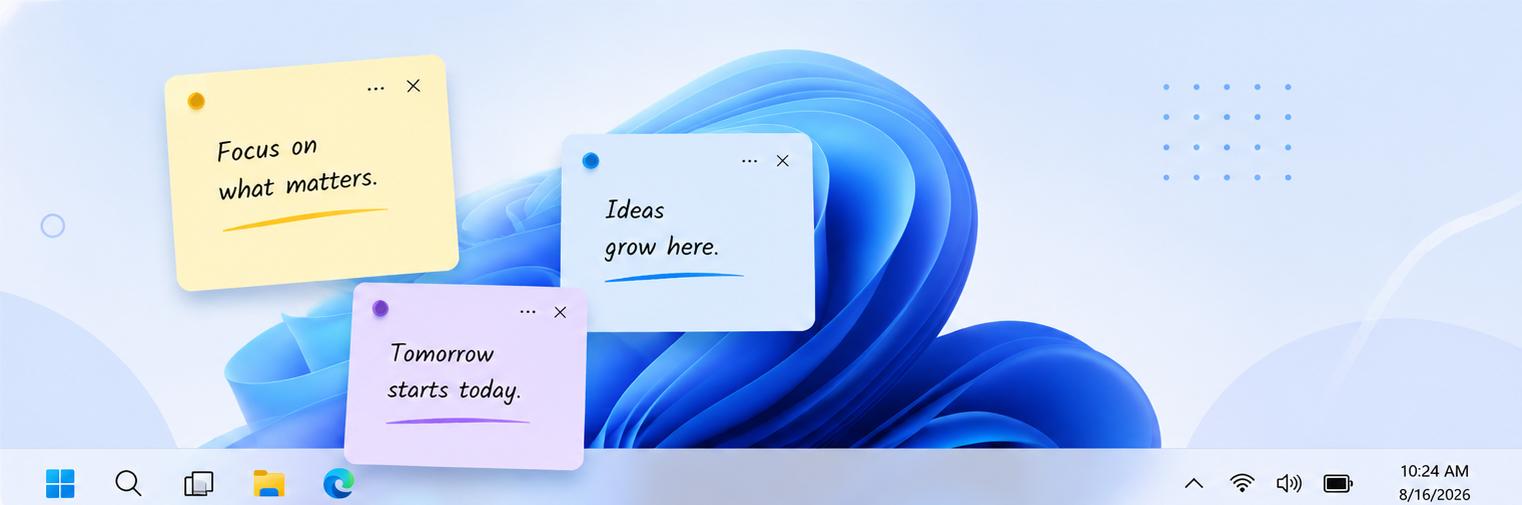
Pin rich-text notes, screenshots, and links to your desktop. Press Win + D to see them. Your notes and images stay on your PC.
What’s new in v1.7.0
Images and screenshots
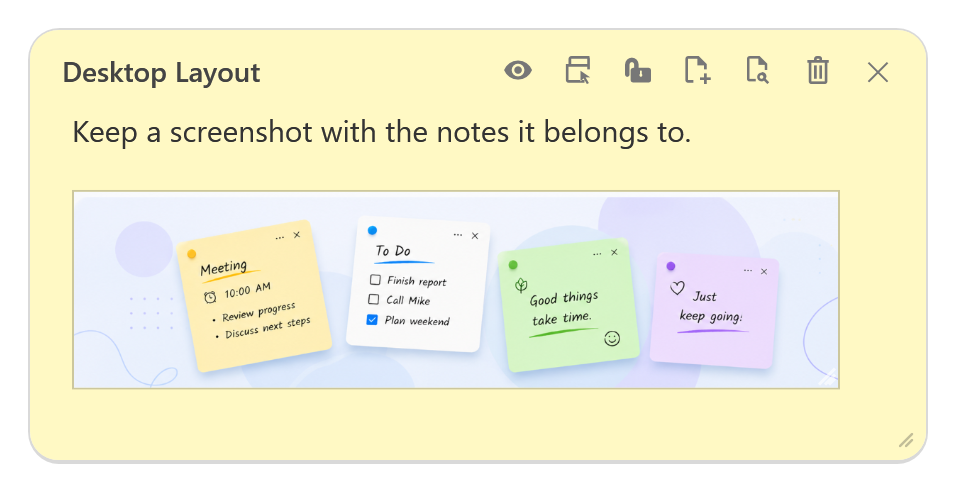
Paste a screenshot or drag a PNG, JPEG, BMP, or GIF into a note. Resize it beside your text, double-click to zoom and pan, or right-click to copy, export, or save the original.
Smaller previews save memory while you work. PermaNotes loads the original detail when you need it.
Automatic links
Type or paste a URL to turn it into a clickable link. Click to open or copy it, or Ctrl-click to open it directly.
Welcome tour and help
Take the welcome tour, see what’s new after an update, or open Help & Features from a note’s right-click menu.
Dark Settings
Choose default note colors and opacity, set a storage location, and manage startup in the redesigned Settings window.
Made for your desktop
Notes sit on the desktop layer beneath open windows. You can pin individual notes above other windows or let clicks pass through them.
- Editing
- Rich text, live Markdown, interactive checklists, and shared Undo for text and images.
- Organization
- Search across notes, schedule Windows reminders, and manage open and closed notes.
- Privacy
- Lock notes against edits or hide them from supported screen capture.
- Storage
- Notes auto-save with recovery backups. Notes and images move together when you change folders.
Download PermaNotes
Windows 10 & 11 (x64) · v1.7.0 release notes